Why hardcode pages when you can build a flexible system? Learn how to combine the power of Next.js with a Headless CMS to create a dynamic Page Builder that empowers both developers and editors.
Hardcoding every new landing page is a trap. It leads to duplicate code, slow deployments, and a frustrated marketing team. The "Lazy Ant" way is different: we build a Page Builder Engine once, and then we just compose.
In a Headless CMS like Storyblok, don't think of a page as a "blob of text." Think of it as an array of nested blocks. Each block in the CMS corresponds to a React component in your code.
The magic happens in a dynamic dispatcher. Instead of a massive switch-case, we map CMS technical names directly to our component library.
TypeScript
🐜 Infinite Flexibility: Editors can reorder, add, or remove sections without a single line of code.
🐜 Atomic Updates: Fix a bug in the Hero component, and it updates across 50 different pages instantly.
🐜 Performance: Using Next.js Dynamic Routes ([[...slug]]), you can fetch and render the entire page structure in one go.
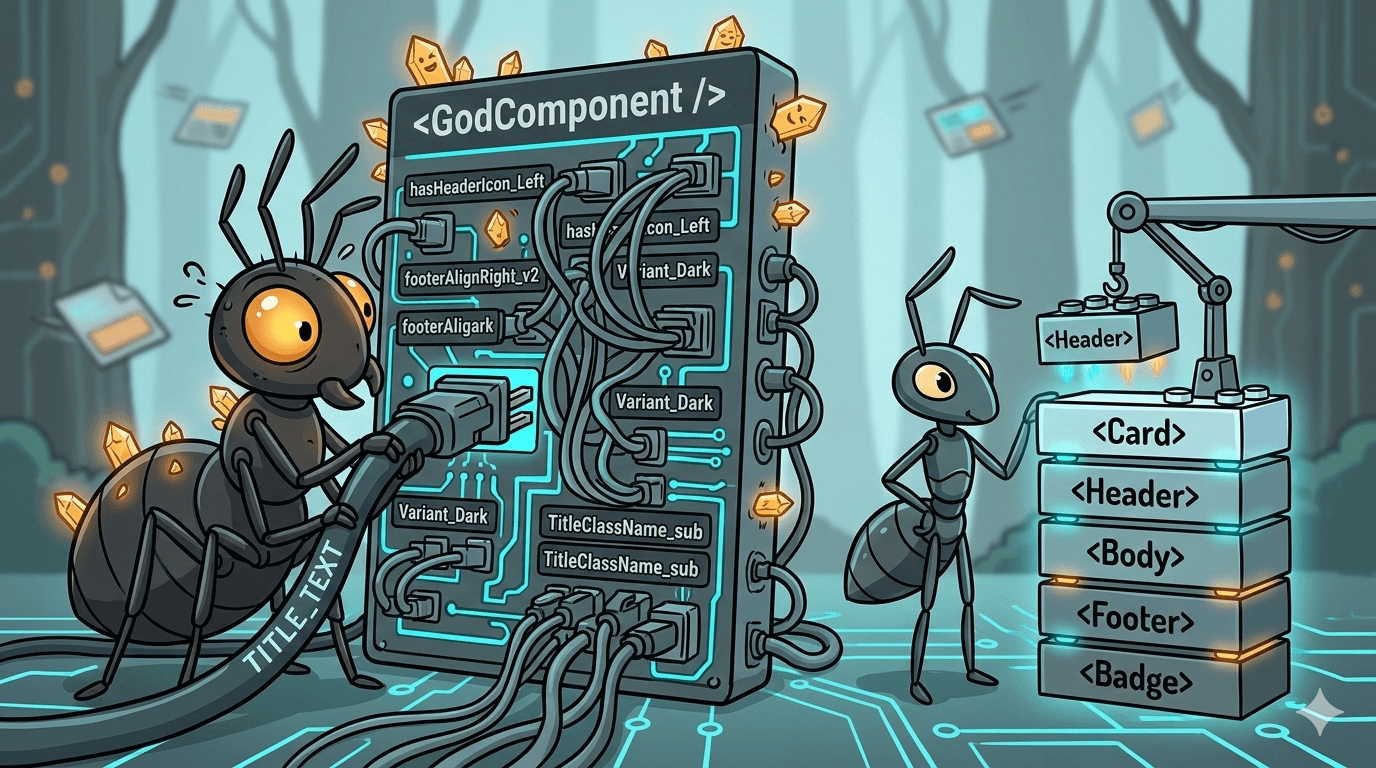
Don't build a new component for every small visual change. Use Schema Configuration. Add a "Theme" or "Alignment" dropdown in your CMS to change the look of an existing block.
A Page Builder is not just a tool; it's a bridge between the rigid world of code and the fluid world of content. Build the system, then let the system build the pages.